 Grand Theft Kids
First-drive guide
Your first drive in Grand Theft Kids
Grand Theft Kids is a free, single-player city game you can play in a desktop browser with a keyboard and mouse. You start on foot. The first car, the first street, and the first job are yours to choose.
Play Grand Theft Kids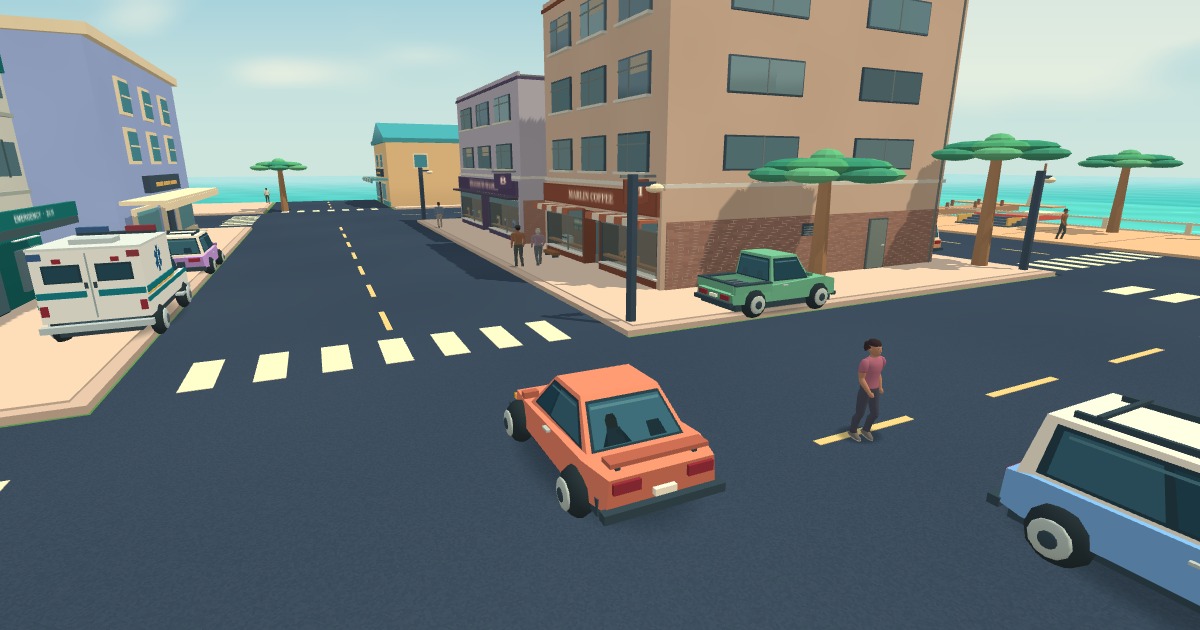
Start on foot, then find a car
Use the Play button, enter a nickname, and select Start exploring. The game loads its 3D city in the browser and uses WebGL for the scene. A desktop or laptop with a physical keyboard and mouse gives you access to the full controls.
Move with WASD and turn the view with your mouse. Walk beside a parked car until its entry prompt appears, then press F. Drive forward with W, steer with A and D, and stop before using F to get back out.
Choose your own destination
Press Tab for the full map. Choose a named destination, or click an unmarked road to drop a pin, then select Go. The purple line follows streets. Your next turn and the remaining distance appear beside the route. If you miss a turn, keep driving and the route updates.
For a short outing, head toward the coast. Park, step out, and walk into the lighter water by the shore. You can wade in the shallows and leave ripples with each step. Mark a shop for the return journey and watch for an interaction prompt at its door.
Pick a first job
For a route with an objective, open the job board on the map. Pizza Dash gives you pickup and drop-off stops. Postcard Run asks you to frame scenes around the city. Emergency work puts you in a marked service vehicle and sends new directions as the call progresses.
The game also features guns, vehicle collisions, and police chases. If you’re choosing it for a child, the parent guide describes what can happen during free roam.