 Grand Theft Kids
Platform guide
Can you play GTA 6 on PC?
Rockstar lists PlayStation 5 and Xbox Series X|S for Grand Theft Auto VI. As of November 19, 2026, its official game page lists neither a native Windows release nor a browser edition.
Play Grand Theft Kids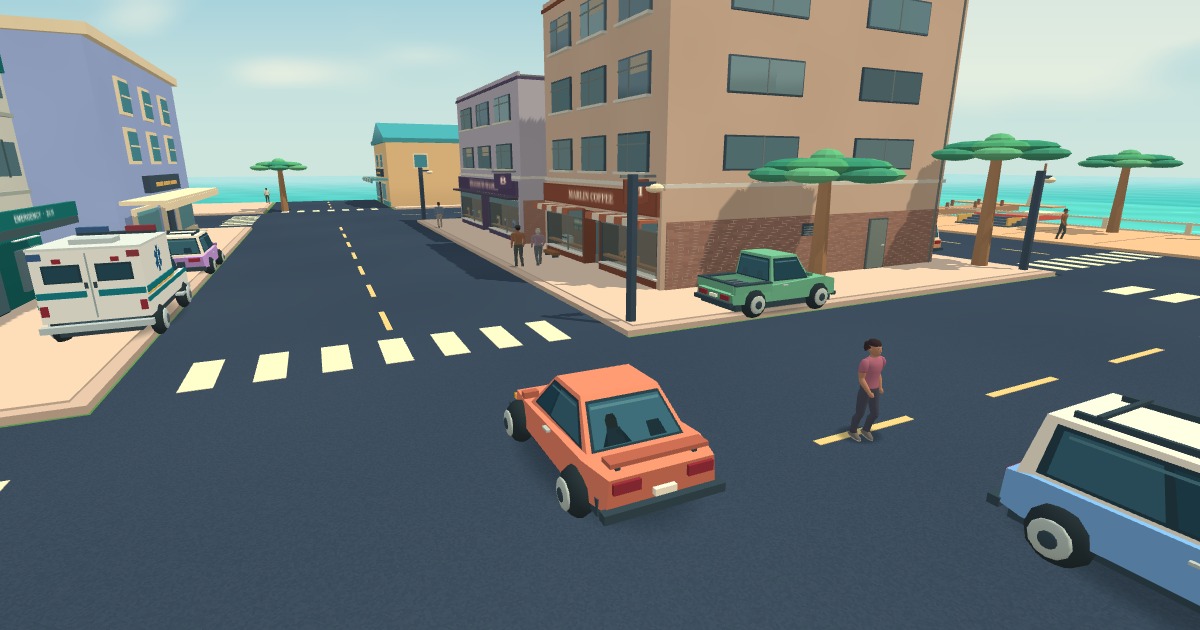
If you have a PC and no PS5
Check Rockstar’s platform list before looking for a PC download, Steam listing, or system requirements. The listed console editions run on PS5 and Xbox Series X|S. A PC port would need its own announcement and hardware requirements from the publisher. See Rockstar’s official GTA VI page.
If the part you want is exploring a 3D city with a keyboard and mouse, Grand Theft Kids runs directly in a desktop browser. The Play button on this guide opens that independent game. You can drive traffic cars, follow a route through town, or work an ambulance call without owning a console.
If you own a PS5 and want to use a PC screen
Sony’s PS Remote Play streams from your own PlayStation console to a Windows PC or Mac. The console runs the game, so you still need the console and access to the console game. For a shared television, this lets someone use the TV while you play on the computer screen.
- On the PS5, open Settings → System → Remote Play and enable Remote Play.
- Install Sony’s PS Remote Play app on the computer. Connect a supported controller, then sign in with the same PlayStation account you use on the console.
- Choose your PS5 in the app to connect. Sony lists the current computer, controller, and connection requirements in its setup guide. Open Sony’s PC and Mac instructions.
What can I play in the browser today?
In Grand Theft Kids, choose a nickname, start on foot, then walk up to a stopped vehicle and press F. Open Tab, click a road and choose Go to draw your first route. The game loads its own city, characters, and missions. You can see how those work in the first-drive guide.