 Grand Theft Kids
Control reference
PC keyboard and mouse controls
In Grand Theft Kids, the same key can change jobs when you enter a car. Space jumps on foot and brakes behind the wheel. Keep this reference nearby for your first session.
Play Grand Theft Kids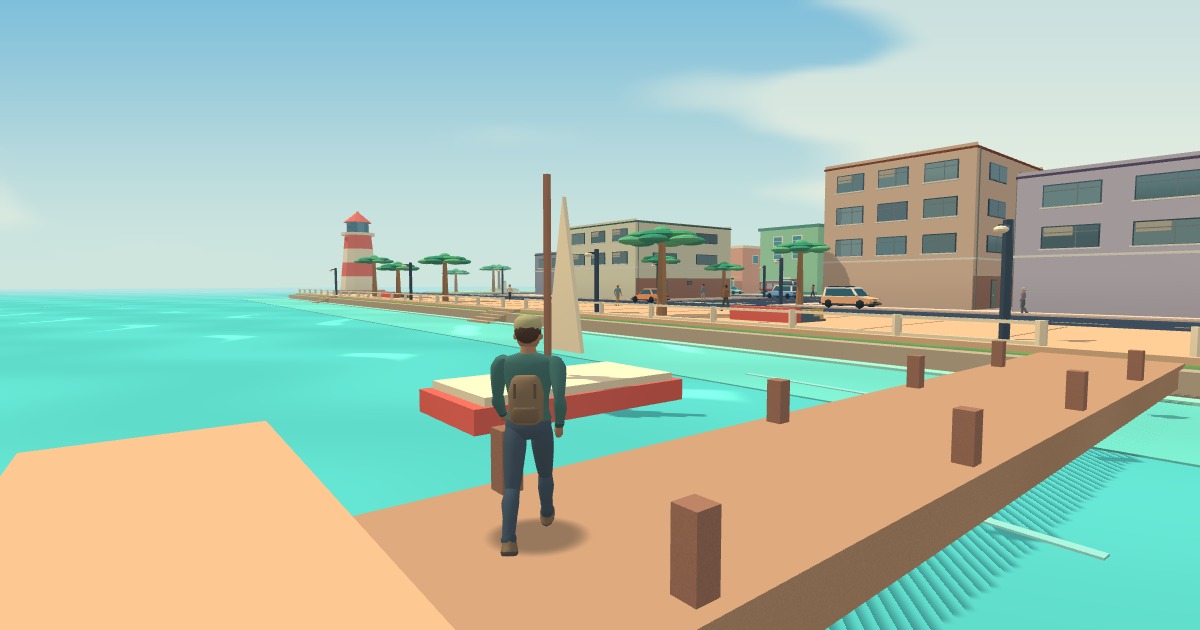
Movement, camera, and equipment
- W A S D
- Walk forward, left, backward, or right relative to the view.
- Shift / Space
- Hold either Shift key while moving to sprint. Tap Space to jump.
- Mouse / right click
- Move the mouse to look around. Hold the right mouse button to zoom.
- Wheel / Q
- Cycle equipment. You start with empty hands. Left click punches or uses the equipped weapon.
- E
- Use a doorway, shop, or nearby mission interaction when its prompt appears.
Cars, navigation, and emergency controls
- F
- Stand beside a car to enter. Bring it to a stop before pressing F to get out.
- W S A D
- Accelerate, reverse, and steer. Hold Space to brake or drift.
- Tab / Esc
- Tab opens the map and job board. Escape pauses play and releases the mouse.
- V
- Take a dispatch call in a police cruiser, ambulance, or fire engine. Press again to end the call.
- L / G
- Switch emergency lights and the siren on or off separately in a service vehicle.
Tune the game for your computer
Open PC settings from the start screen or pause menu. If a small mouse movement spins the camera too far, reduce Look sensitivity. Turn on Invert vertical look if you prefer pushing the mouse forward to look down.
If the city feels choppy, try Balanced render resolution. Performance lowers the rendered detail further. Master volume controls the whole game. When you resume, click inside the game view if your mouse is still interacting with the browser.